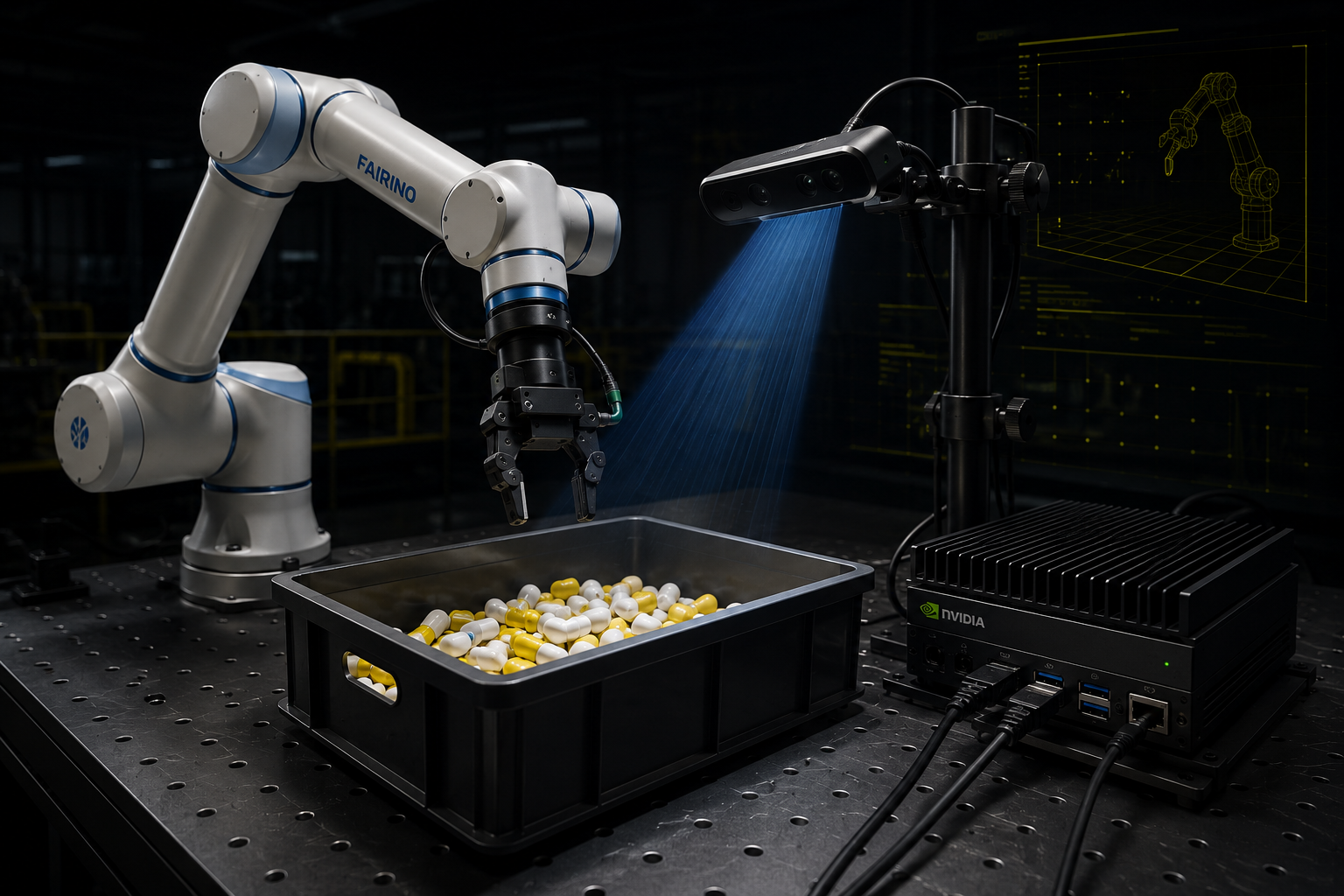
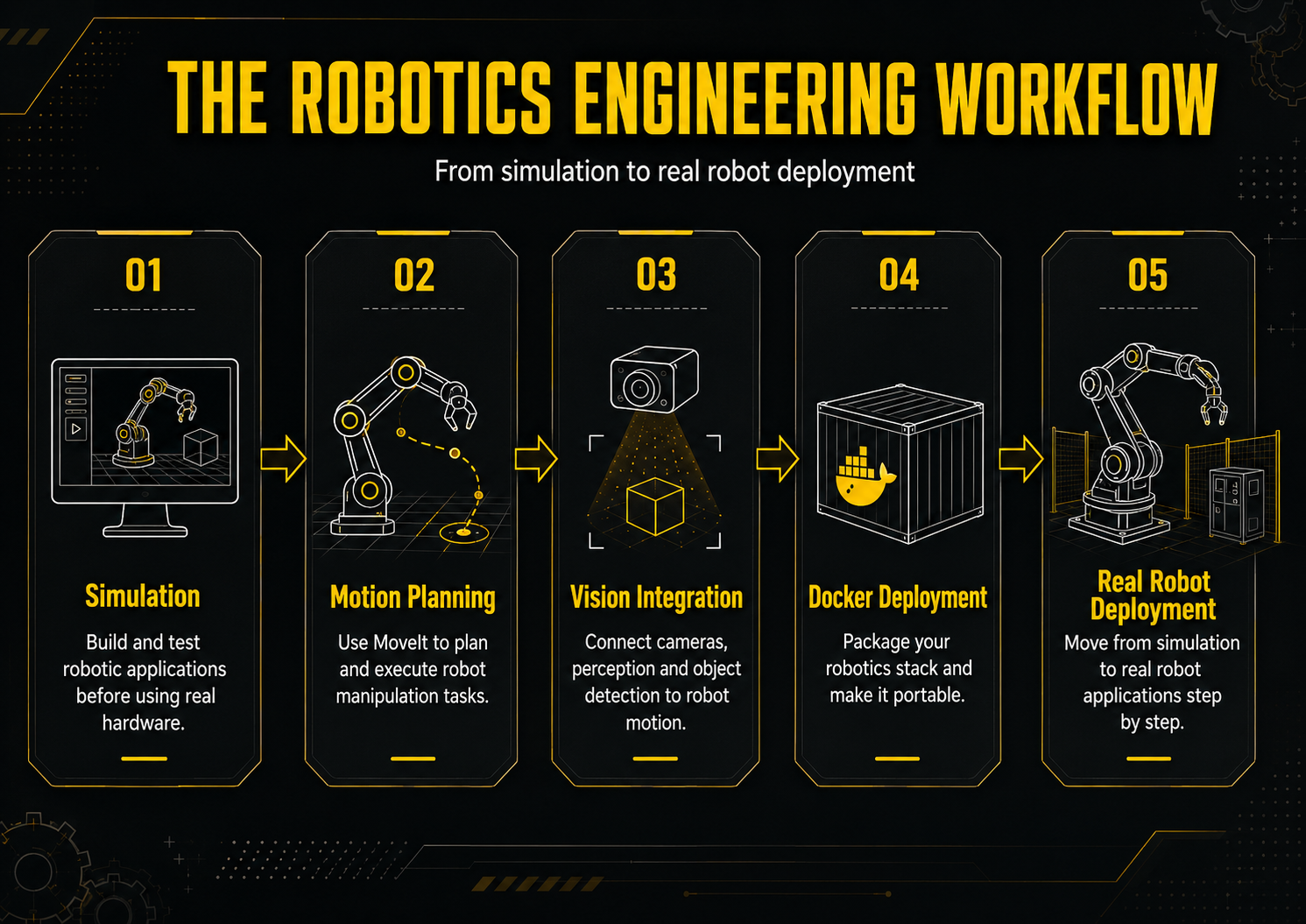
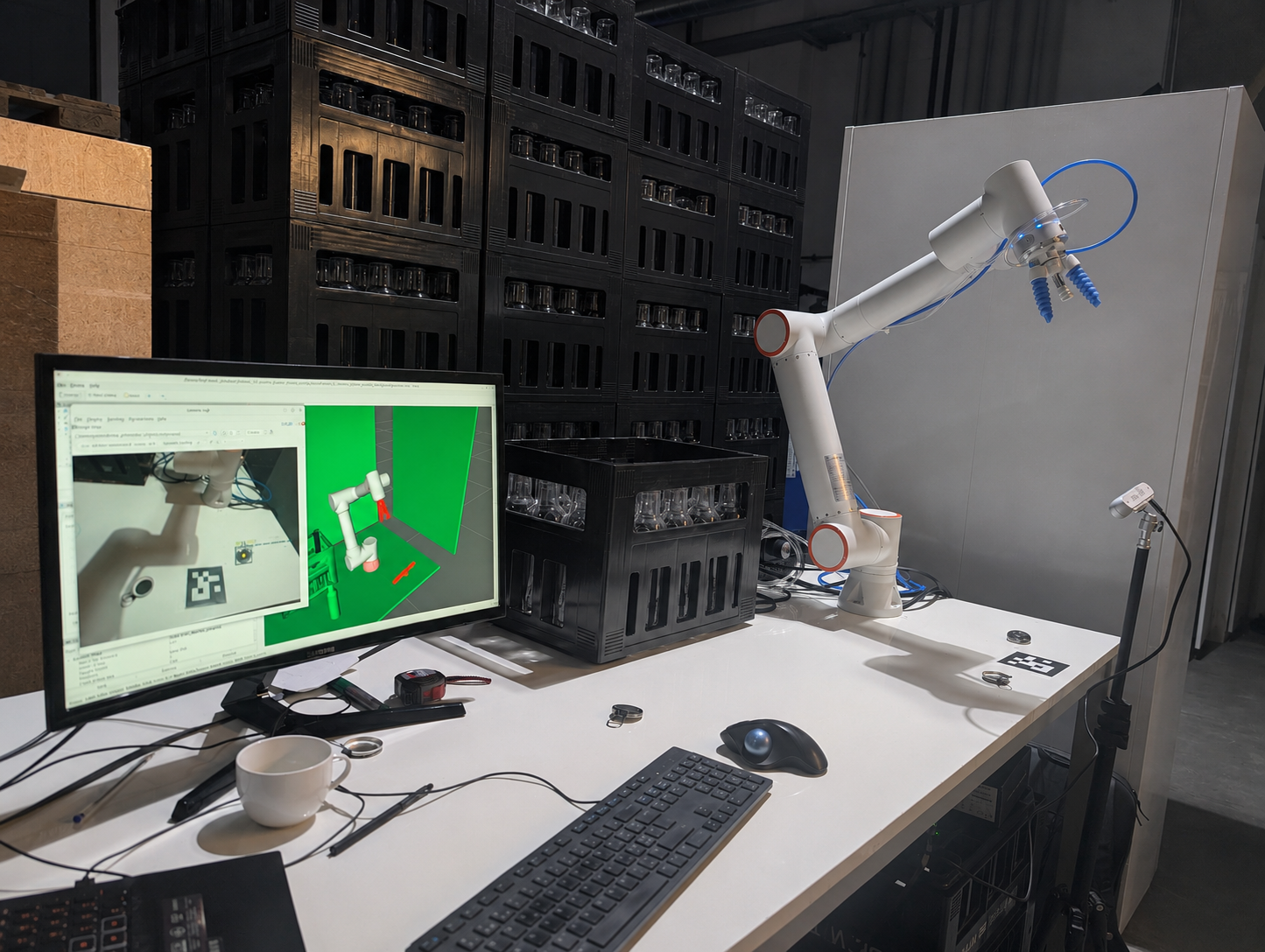
What is the outcome?
Build a real industrial robotics application
—from simulation to real deployment.
In this accelerator, you will learn how to integrate:
- ROS2 + MoveIt2
- Industrial Behavior Trees
- RealSense depth cameras
- Jetson AI deployment
- Computer vision and 3D perception
- Real robot hardware
This is not about learning isolated ROS2 tutorials.
You will learn how professional robotics systems are actually designed:
motion + vision + AI + hardware + deployment in one unified architecture.
By the end of the pathway, you will be able to:
- Build real bin-picking applications
- Deploy robotics pipelines on real hardware
- Structure scalable industrial robot architectures
- Use LLM workflows to accelerate robotics development
- Think like a Robotics Systems Engineer
The goal:
compress years of fragmented learning into a practical engineering pathway focused on real industrial deployment.
The Engineering Stack Behind Real Robotics Deployment
Build industrial robotics applications using the same technologies used in modern automation systems.
This accelerator combines:
- ROS2 & MoveIt2
- Gazebo simulation
- Industrial Behavior Trees
- RealSense depth cameras
- OpenCV & 3D perception
- Jetson AI deployment
- Docker robotics environments
- PLC & hardware integration
- AI inference pipelines
- LLM-assisted robotics development
You will learn how these technologies connect together inside a real robotic manipulation pipeline:
from simulation and motion planning to perception, deployment, and real hardware execution.
The focus is not isolated tools.
The focus is system architecture.

Real Deployment with FR3WML + SoftGripper + Suction cup
Bridge simulation to physical hardware using a real robot, depth camera, and inference pipeline.
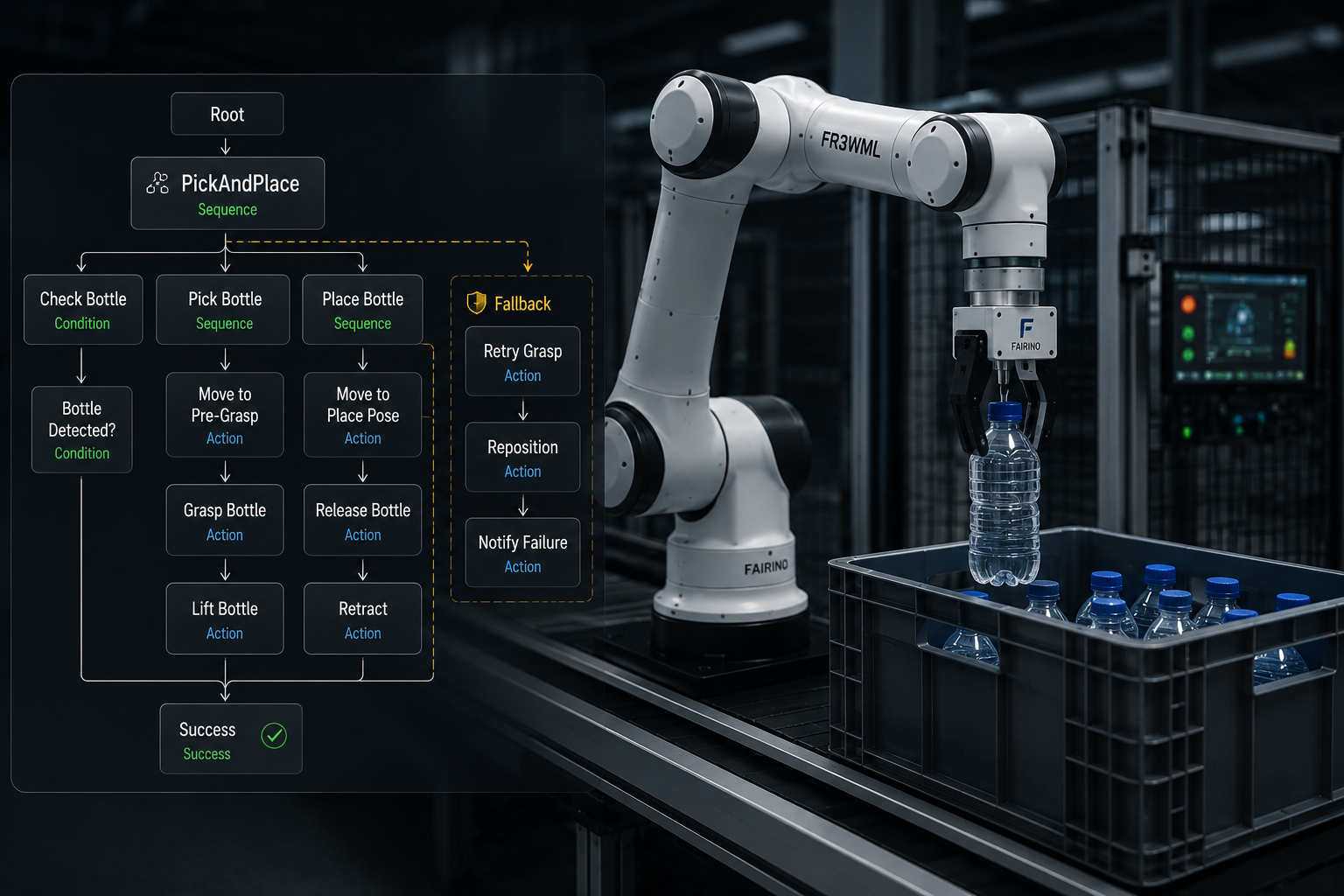
Industrial Behavior Tree Architectures
Design scalable and fault-tolerant robotics applications using industrial Behavior Tree architectures and reusable ROS2 frameworks.
Industrial Simulation Pipeline
Build realistic ROS2 simulation environments with MoveIt2, Gazebo, robot grippers, cameras, and perception pipelines before deploying on real hardware.
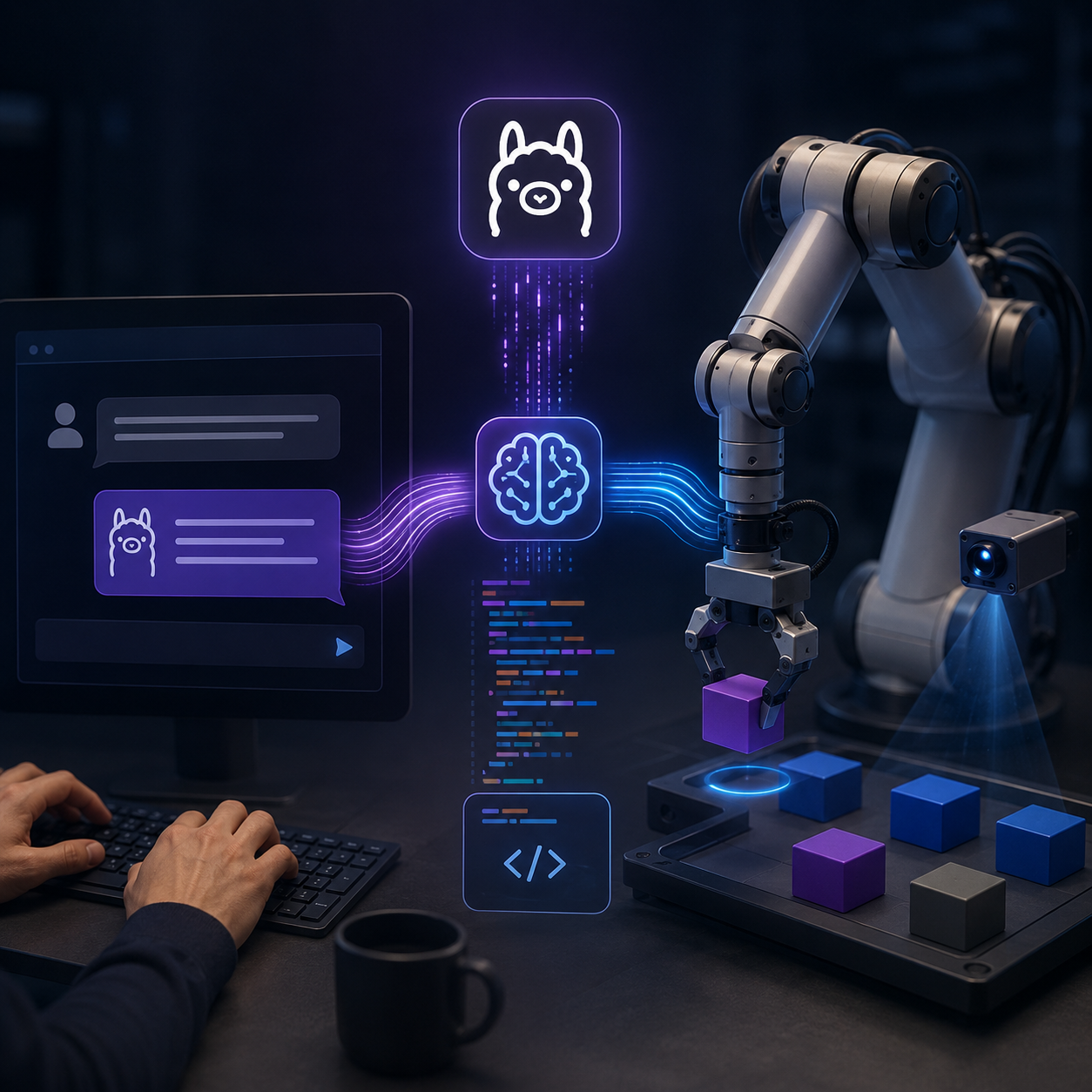
AI Robotics & LLM Integration
Use local LLMs and prompt engineering to design robotics task pipelines, generate robot actions, and accelerate industrial application development with ROS2, vision systems, and real robot control.
Compress Years of Robotics Learning Into One Structured Engineering Path
Most robotics learners waste years jumping between fragmented tutorials and fragile demo projects.
This pathway is designed to accelerate that process.
You will learn the exact technologies, architectures, and deployment workflows used to build real industrial robotics applications — without wasting time on disconnected theory or low-value content.
The objective is simple:
go from ROS2 learner to robotics systems engineer in the shortest realistic time possible.
What you will learn
- Welcome to the Industrial Robotics Accellerator Program
- Required Material and Reccomended Setup
- Repository for this Module
- Migration strategy (9:22)
- Migrate custom robot description package (28:23)
- Robot Control and ROS2 Control (54:23)
- ROS2 Control: setup and deploy Gripper Action Controller (16:20)
- ROS2 Control: setup and deploy Joint Trajectory Controller (12:19)
- ROS2 Control: Control the robot sending trajectory_msgs from C++ script (11:43)
- Replicate the .world from ROS1 (8:31)
- Simulating a RealSense-like Depth Camera in Gazebo and Visualizing the Stream in RViz2 (25:45)
- Create MoveIt2 configuration package for a custom robot (55:40)
- Connecting Gazebo and MoveIt2 -- Controlling the robot from Rviz and seing the motion executed in Gazebo (18:24)
- Create an inverse kinematics node with MoveIt2 in C++ (23:39)
- How to simulate grasping with LinkAttacher in Gazebo (11:38)
- First Pick and Place Application with a Custom 6-Axis Robot in Gazebo and MoveIt2 (30:27)
- UR5, Depth Camera setup in Gazebo with MoveIt (81:24)
- Add Robotiq gripper to UR5 and setup in Gazebo with MoveIt (62:50)
- Setup the world and LinkAttacher for grasping (15:34)
- Test inverse kinematics with UR5 (20:46)
- Run Pick and Place with UR5 and Robotiq gripper (8:26)
- Point Cloud Library and 3D processing in ROS2 (52:12)
- Pick and Place with UR5 Robotiq Gripper using 3D camera in ROS2 (31:58)
- Resources and GitHub repository of the master class
- How to make your packages portable
- Fixing MoveIt Setup Assistant (MSA) Crash after ROS2 Updates
- Setting Up the ROS2 Workspace for AI Robotics Applications and LLM Integration (12:02)
- Building the Custom Package my_xarm6: Robot, World, and Camera Setup (63:25)
- Creating the my_xarm6_app Package: First Motion Node (26:46)
- CNC Motion Node: Drawing Circles and Squares with Constant Orientation (37:50)
- Blind Pick and Place: Fixed Object Positions (29:03)
- Vision Integration with OpenCV: Depth Reconstruction via Intrinsics (38:32)
- Vision-Based Pick and Place + Custom Service Definition (35:17)
- Introduction to Ollama and LLM Integration (12:17)
- LLM Task Pipeline: Designing the Action-Oriented Architecture and System Prompt engineering (55:45)
- LLM-Driven Pick and Place: Updating System Prompt + Vision + Motion Integration (45:48)
- Test Robotics Tasks with LLM Ollama integrated in ROS2 (21:26)
- General Task LLM: Unified Prompt and Full Robot Commanding (CNC, pick place with vision, end effector control)) (24:59)
- Module available on April 2026
- Simulation to Reality – Building a Real Industrial Robotic Pipeline - Introduction (9:06)
- Reference Repositories for Real Industrial Deployment
- Setup comunication between PC and Robot Hardware controller (8:22)
- Understanding the Robot Driver Layer: How to Interface Any Robot Controller with ROS2 (26:54)
- How to Create a Bridge to Interface MoveIt with Robot Controller (33:50)
- Gripper Hardware setup (6:54)
- Bridging Digital Outputs to ROS2 Gripper Control (20:54)
- Building a Custom ROS2 Robot Package: Adding a Gripper and Camera to the FR3WML (18:17)
- Designing a Real ROS2 Robot Architecture with MoveIt (12:21)
- Integrating a Gripper (SoftGripper) into MoveIt (47:59)
- Control Robot Speed from ROS2 and MoveIt (24:33)
- Move the Real Robot with MoveIt Inverse Kinematics (22:42)
- Hardware Architecture for Pick and Place with 3D Camera (17:31)
- Jetson Orin Nano Setup for Real-Time RealSense Streaming with Docker (31:24)
- Software Architecture -- From Camera Streaming to Local AI Inference (29:47)
- Create the Inference Container on Jetson Orin Nano (YOLO + ROS2) (21:44)
- 3D Pose Estimation with YOLO + RealSense on Jetson (17:56)
- Handle Real Images noisy and 3D Pose Publishing (17:29)
- 6D Pose Estimation with YOLO + Realsense on Jetson (36:21)
- Industrial Pick and Place Framework: Bottle from Crate and Capsule on Bottle Neck (29:08)
- From Monolithic Code to an Industrial Behavior Tree Framework (28:41)
- Camera Calibration: from simulation to real robot, the hand-eye approach (15:30)
- From Blind to Vision-Driven Pick-Place (Bin Picking) (19:17)
- Optimizing the Pick-and-Place: Speed, Smooth Motion, and Architecture (13:46)
- What You Have Built in the Accelerated Robotics Program
- Final Reference Lesson — GitHub Repositories and Docker Images